April 22, 2026 - 5-minute read
Smart Lockers in the Office: How Digital Lockers Work for Hybrid Work
Smart lockers are replacing traditional lockers in the hybrid office. Learn how digital lockers work, the benefits they offer in terms of space efficiency and employee experience, and what you should consider when implementing them.

In modern offices, there are fewer and fewer fixed workstations—and thus a growing need for flexible solutions to securely store personal belongings. Keys, cards, or permanently assigned lockers no longer work in a hybrid work model. This is exactly where smart lockers come into play.
In this article, you'll learn how smart lockers work in the office, what benefits they offer, and what really matters when implementing them.
What are smart lockers?
Smart lockers—also known as intelligent or digital lockers—are digitally connected locking systems that can be operated via an app, card, or PIN. Unlike traditional lockers, they are not permanently assigned to a specific person but are allocated flexibly based on the situation.
The idea is this: Instead of assigning each employee their own locker, you reserve a locker only when you need it. Once you’re done using it, it’s released and made available to the next colleague.
Most systems are cloud-based and can be integrated into a central workplace platform. This allows a single hardware solution to become part of the digital workplace—including overview, analysis, and control.
How do smart lockers work in the office?
The process is similar in most systems:
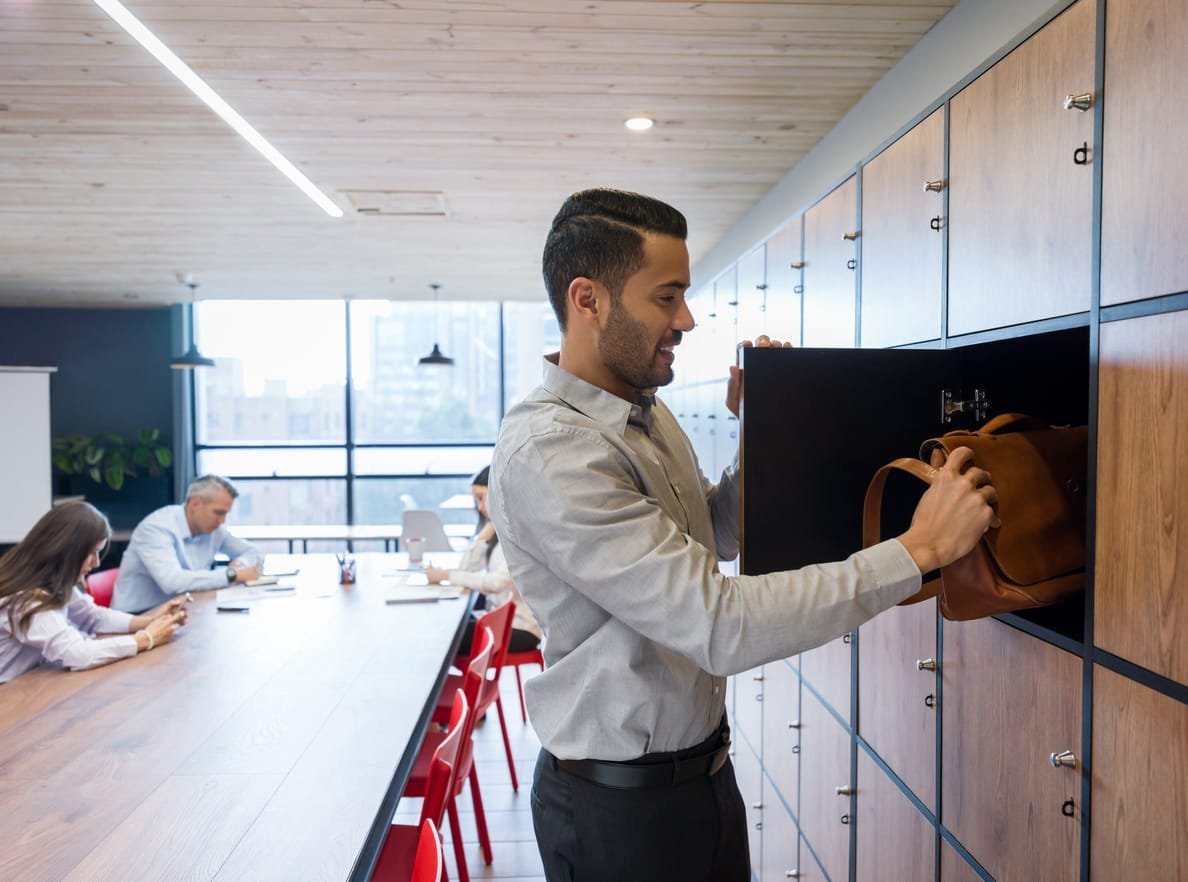
Open the Workplace app on your smartphone and view a digital floor plan to see which lockers are available near you. Choose the right size, book the locker for the desired time—and open it with a tap in the app. It’s just like booking desks or meeting rooms in the same app. No key, no card, no PIN pad required.
Once you're done, release the locker. Behind the scenes, the system records who used which locker and when—in a way that's traceable but compliant with privacy regulations.
In case of an emergency—such as a network outage or if someone loses their smartphone—there are local service terminals available. The administration can also manage each compartment centrally and open it if necessary.
Why Traditional Lockers No Longer Work in the Hybrid Office
As long as every employee had a fixed workstation, an assigned locker was perfectly sufficient. In hybrid work models, things are different:
Employees are no longer in the office every day. Permanently assigned lockers sit empty most of the time—and take up valuable space that could be put to better use. Anyone serious about maximizing space efficiency can hardly avoid adopting dynamic solutions. At the same time, those who drop by the office on the spur of the moment often lack the means to store their belongings securely.
The result: inefficient utilization, employee frustration, and avoidable costs for unused storage space.
Smart lockers solve exactly this problem. They adapt to actual occupancy—not the other way around.
The Main Benefits of Smart Lockers in the Office
Higher utilization with less hardware
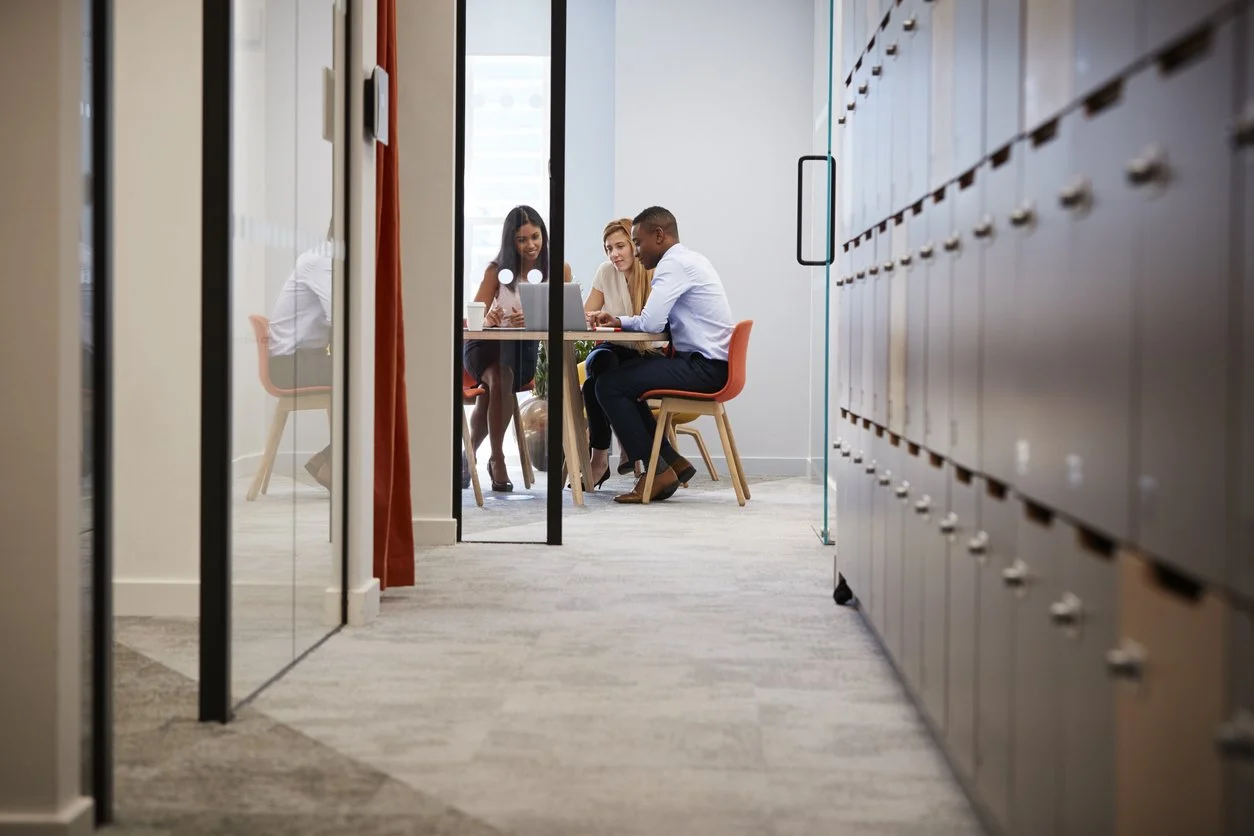
Because lockers are assigned dynamically, you need significantly fewer lockers than with fixed assignments. Studies in workplace management show that dynamic systems can cut the number of lockers needed in half, depending on usage patterns.
Better employee experience
No one has to manage keys, borrow cards, or remember PINs anymore. All it takes is an app, and the locker opens. This lowers the barrier to entry—even for guests or new employees.
Flexible sizes, tailored to individual needs
Do you need a small compartment for your laptop today and a larger one for your gym bag tomorrow? Smart systems offer different sizes in different locations—you choose what you need.
Full transparency for facility management
Which lockers are being used and when? Where are bottlenecks occurring? Which lockers are empty? An integrated platform provides real-time analytics—the foundation for data-driven decisions regarding locations, the number of lockers, and their distribution.
Greater security and traceability
Every transaction is recorded. In an emergency, lockers can be opened remotely—with a complete log. This is not only more secure than traditional keys, but also a plus when it comes to compliance requirements.
Fewer touchpoints
No shared keys, cards, or PIN pads—a hygiene benefit that really counts, especially in open-plan offices.
In which types of offices are smart lockers particularly worthwhile?
Not every office needs a dynamic locker system. But there are situations where making the switch almost always pays off:
Hybrid work models with desk sharing
If you no longer have a fixed workstation, you don’t need a fixed locker either. This is exactly where the greatest efficiency gains are realized. You can find out more about how desk sharing works in the office and why it often fails in our detailed article.
Open-plan offices with a high employee density
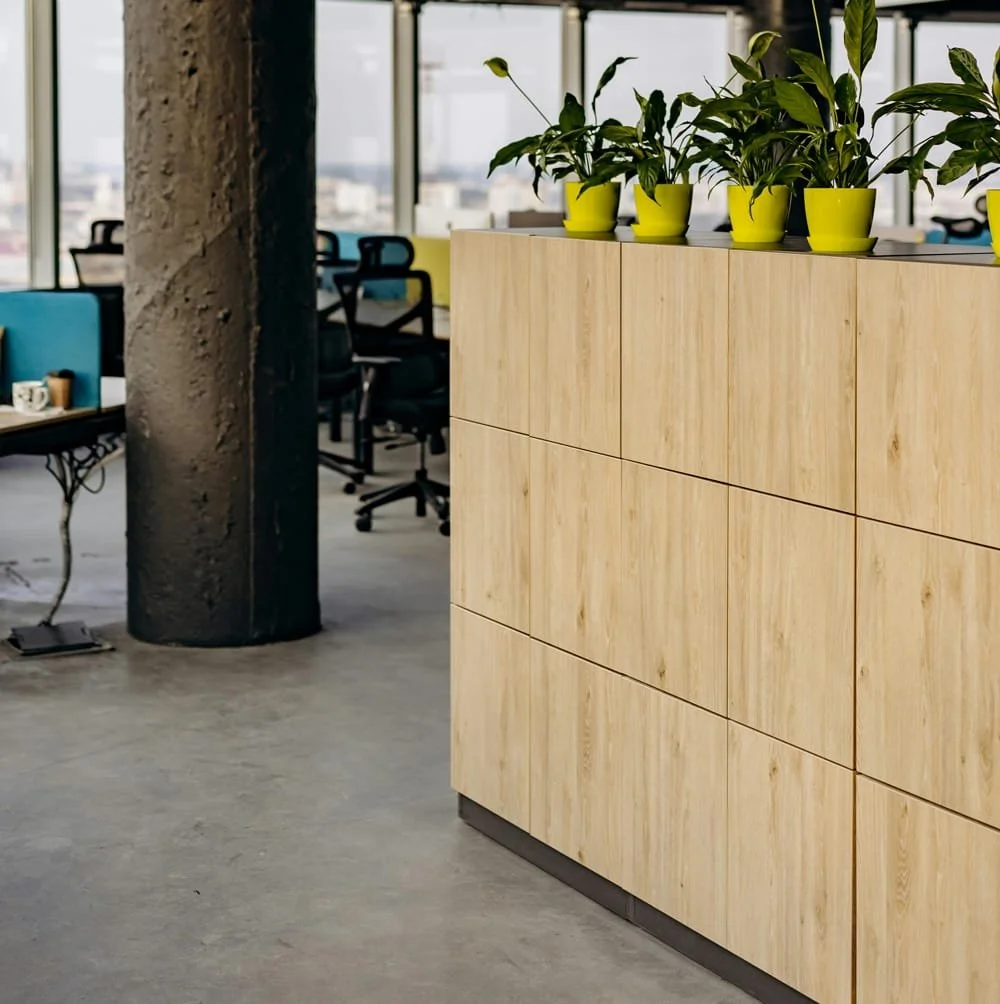
When many people share the same space, having a secure place to store personal belongings is essential—but permanent lockers wouldn't be feasible due to space constraints.
Locations with high turnover or public use
In coworking-style environments, at training locations, or for groups of frequent visitors, smart lockers enable spontaneous, hassle-free use—without any administrative burden.
Offices with active employees
If you bike to work, go to the gym before work, or regularly commute between locations, you need flexible, secure storage for your workout clothes, helmets, or equipment.
What to Look for When Making Your Choice
If you want to implement smart lockers, these points are crucial:
App integration into your Workplace platform
Having a separate locker app alongside your booking system is a step backward. The booking feature should be part of the same application that employees use to book workstations, rooms, or parking spaces.
Distribution and size mix
Lockers should be located where employees need them—not all in one central location. Multiple stations with different sizes ensure short distances and appropriately sized lockers.
Hardware independence
Make sure the platform is compatible with various locker providers (e.g., Vecos). This gives you flexibility in choosing hardware and protects you from vendor lock-in.
Local emergency operation
In the event of a network outage, a dead smartphone battery, or a lost card, the locker must still be accessible. Look for on-site control terminals.
Centralized management with logging
Administrators should be able to unlock, lock, and, if necessary, open lockers—with full traceability.
GDPR and Data Security
Booking and usage data contain personal information. An ISO 27001-certified platform is not just a nice-to-have here, but a requirement.


Integration with other Workplace features
Smart lockers only realize their full potential when they are part of a comprehensive workplace platform. If you already book desks, rooms, or parking spaces digitally, you shouldn’t manage lockers through a separate system.
Experience shows that a single app for all bookings not only makes it easier for employees to get started but also reduces the workload for IT and facility management.
Conclusion: When it's worth making the switch
Smart lockers aren’t an end in themselves—they’re the logical solution to a changing workplace. Where employees have flexible work schedules, where space needs to be used efficiently, and where the booking experience matters, making the switch is almost always worthwhile.
If you're thinking about adding smart lockers to your office, check out our digital locker solution—which integrates seamlessly with our all-in-one platform for desk booking, room booking, and more.
Do you have any questions, or would you like to see what the system might look like in your office?
Latest Posts

Workplace Management in the Hybrid Office: What You Really Need
Workplace management is no longer a niche topic. For companies with hybrid work models, it has become a core operational task—and, at the same time, one of the most complex.

Digital parking space management: How to finally make efficient use of unused space
For many employees, finding a parking space in the morning is a daily source of stress—even though there is often unused space available. The problem is usually not a lack of parking spaces.

Desk Sharing in the Office: Why It Often Fails—and How to Make It Work
Desk sharing —that is, the flexible sharing of workspaces in the office—has become established in German companies as a response to hybrid work models.
Are you
curious?
Contact us today using the form. We’ll get back to you shortly.
Or book a demo appointment directly :
Free & no obligation

Tailored specifically to your situation, rather than a standard demo
Book a no-obligation demo today!

Lisa Pfützner
Workplace Strategist

Give us a call
+49 69-566086786